Request one focus point
A preview tap requests one autofocus point only when the current camera, firmware, preview, and electronic lens report that the action is ready. It does not continuously follow a subject.
For supported RED DSMC3 configurations
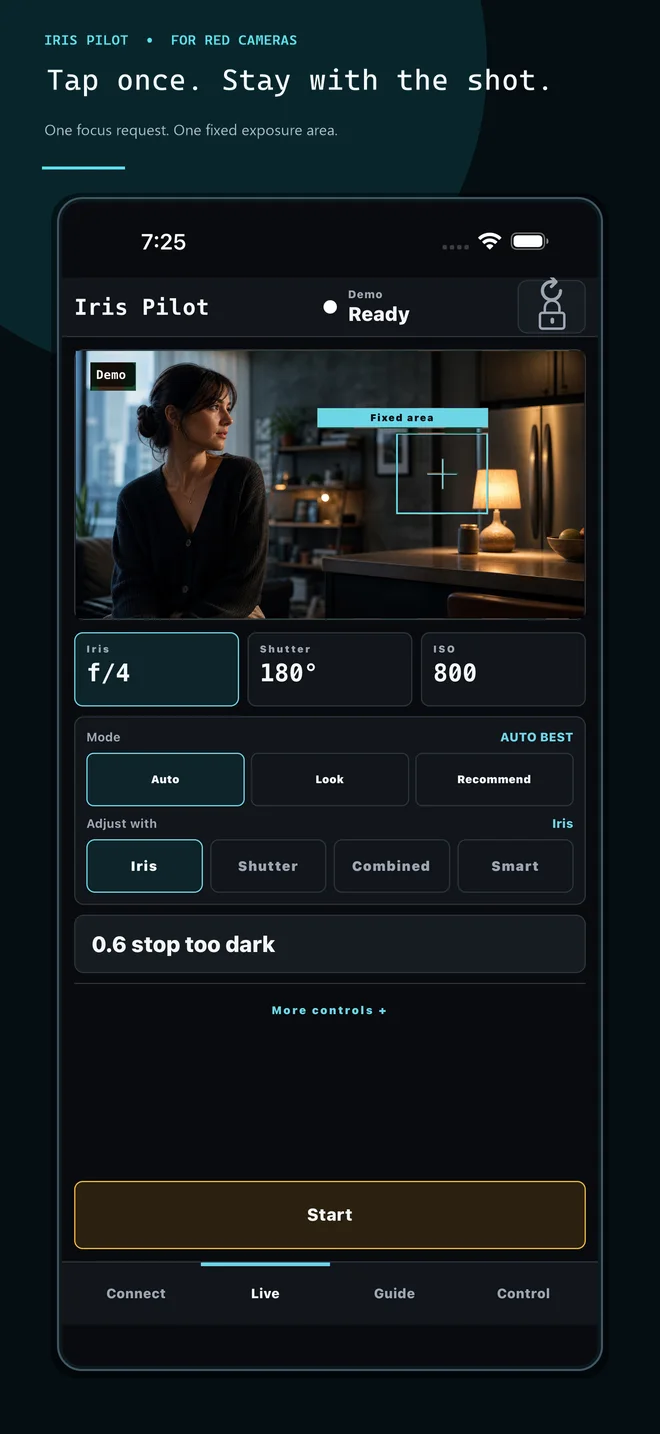
One focus request. One fixed exposure area.
Iris Pilot brings deliberate tap focus and bounded automatic exposure to compatible KOMODO and V-RAPTOR configurations—without turning your phone into another command center.


Store pages are being prepared and will become available with each public release.
LOCAL NETWORK · NO ACCOUNT · NO CLOUD FRAMES · NO MOVING TRACKING

An assist, not autopilot
You choose the camera, the frame, the area, and when automatic control runs. Iris Pilot keeps the workflow narrow and visible.
A preview tap requests one autofocus point only when the current camera, firmware, preview, and electronic lens report that the action is ready. It does not continuously follow a subject.
The same tap selects a fixed preview area for brightness metering. Tap somewhere else whenever the composition changes.
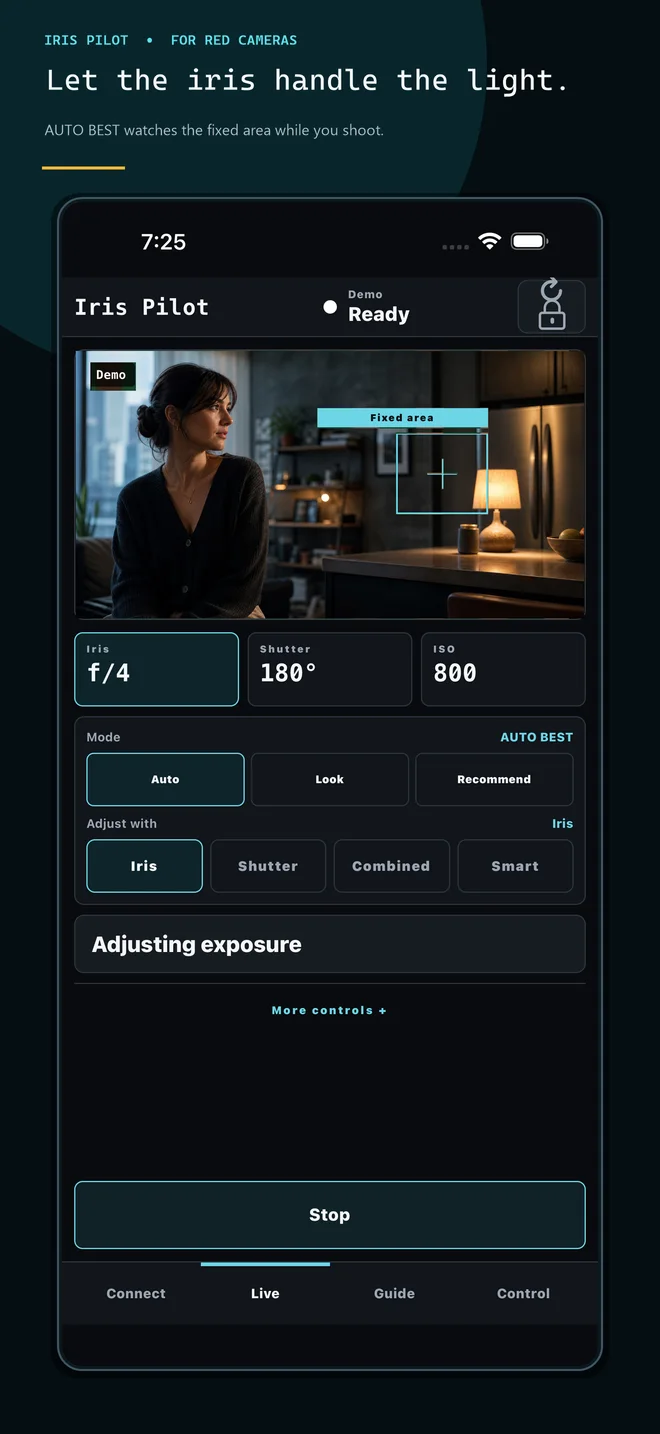
AUTO BEST waits for stable readings, then changes Iris or Shutter in bounded discrete steps. The operator can press Stop at any time.
Inside Iris Pilot
Tap a fixed area, choose how exposure adjusts, and keep the essential controls visible without turning the phone into a command center.
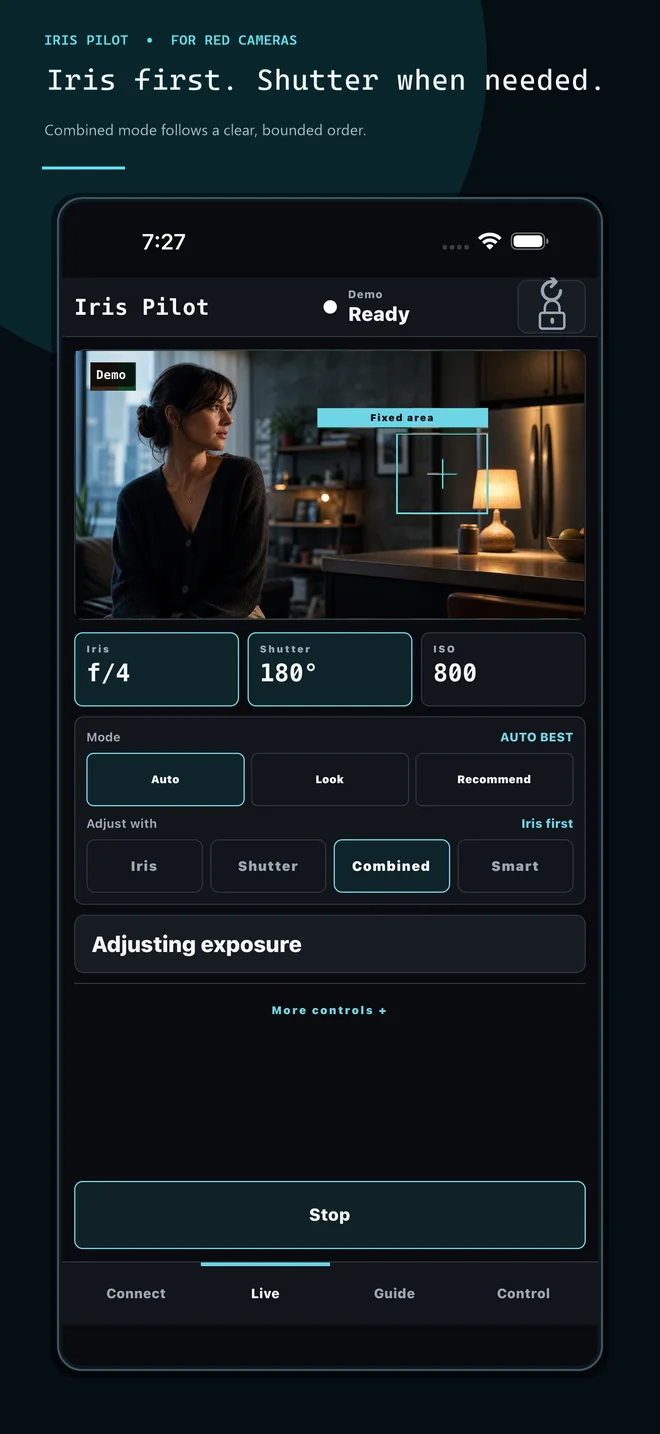
As the scene moves into daylight, the presentation follows Combined mode’s bounded order: confirmed Shutter steps return first, then Iris closes as needed.
Know before you roll
The guardrails are part of the product—not fine print.
Each tap is a new deliberate focus request and fixed meter selection. Iris Pilot does not silently switch subjects.
Iris and Shutter changes can be visible. Iris Pilot does not claim a seamless exposure ramp or perfect exposure.
Recording start stops the prior automatic run. Starting during a take requires a fresh warning confirmation for that take.
The Iris Pilot app requires no account and performs no advertising or cloud frame upload. Preview and telemetry stay on the selected camera network.
How a shot works
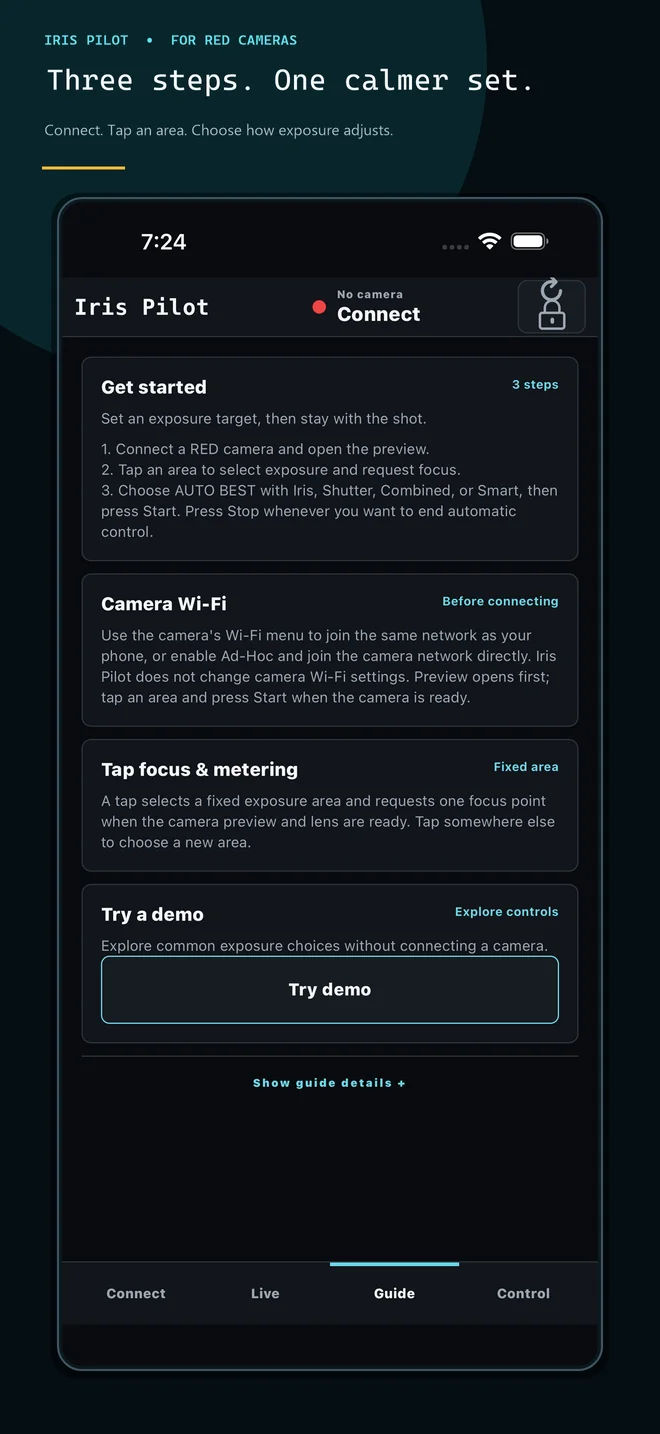
Put the phone and camera on the same Wi-Fi network, use the camera’s Ad-Hoc network, or enter the local camera IP.
Select the focus point and fixed exposure area directly in the live preview.
Use Iris, Shutter, Combined, or Smart, then press Start. Combined is Iris-first when adding exposure and reverses confirmed Shutter steps first when light rises.
Setup and support
Start with the setup guide, browse direct answers, or ask the product-help assistant in the corner.